

Download Zultrax – P2P Sharing, File Management, Fast Downloads
Overview
Zultrax emerges as a modern contender in the peer-to-peer (P2P) file-sharing landscape, offering a streamlined and accessible experience for users seeking efficient data exchange. Designed with usability at its core, the application simplifies the complexities often associated with P2P networks, making it approachable for both novice and experienced users. Its primary purpose is to facilitate fast, reliable file transfers by leveraging distributed sharing across a network of peers. Zultrax addresses common pain points in file sharing—such as slow download speeds, complicated interfaces, and poor download tracking—by integrating intuitive controls and real-time progress monitoring.
The app targets individuals who frequently exchange large files, including media, documents, and software, across devices or within communities. Whether for personal use, collaborative projects, or content discovery, Zultrax aims to enhance the overall sharing journey. While specific developer background details were not provided, the app’s long-standing presence since its release on September 3, 2007, suggests a stable and continuously maintained platform. Real-world use cases include downloading open-source software, sharing multimedia collections, or distributing work-related files without relying on centralized servers.
Zultrax contributes to the broader mobile app ecosystem by offering a lightweight, decentralized alternative to cloud-based storage and traditional download platforms. Its emphasis on user empowerment through direct sharing aligns with growing demand for privacy-respecting, low-latency file transfer tools. Despite the evolving digital landscape, Zultrax remains relevant by focusing on core functionality and user-centric design.
Key Features & Functionality
Zultrax delivers a focused set of features designed to optimize the P2P experience. Each function is built around the user’s need for control, speed, and simplicity.
- Intuitive Interface: The application features a clean, user-friendly layout that minimizes learning curves. Navigation is straightforward, with clearly labeled sections for downloads, search, and settings. This design benefits beginners who may be unfamiliar with P2P technology while still offering enough depth for advanced users.
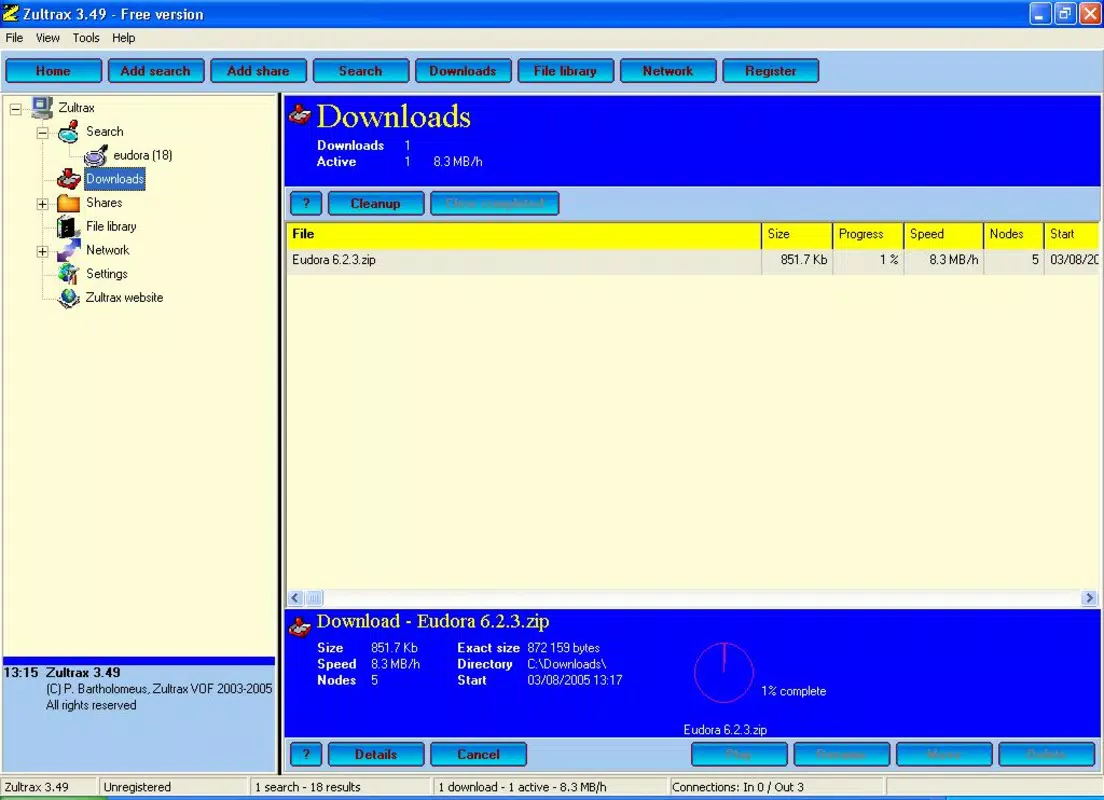
- Download Management: Users can pause, resume, and prioritize downloads with ease. The app maintains a real-time overview of active transfers, displaying download speed, progress percentage, and estimated completion time. This level of transparency helps users plan their usage and manage bandwidth efficiently.
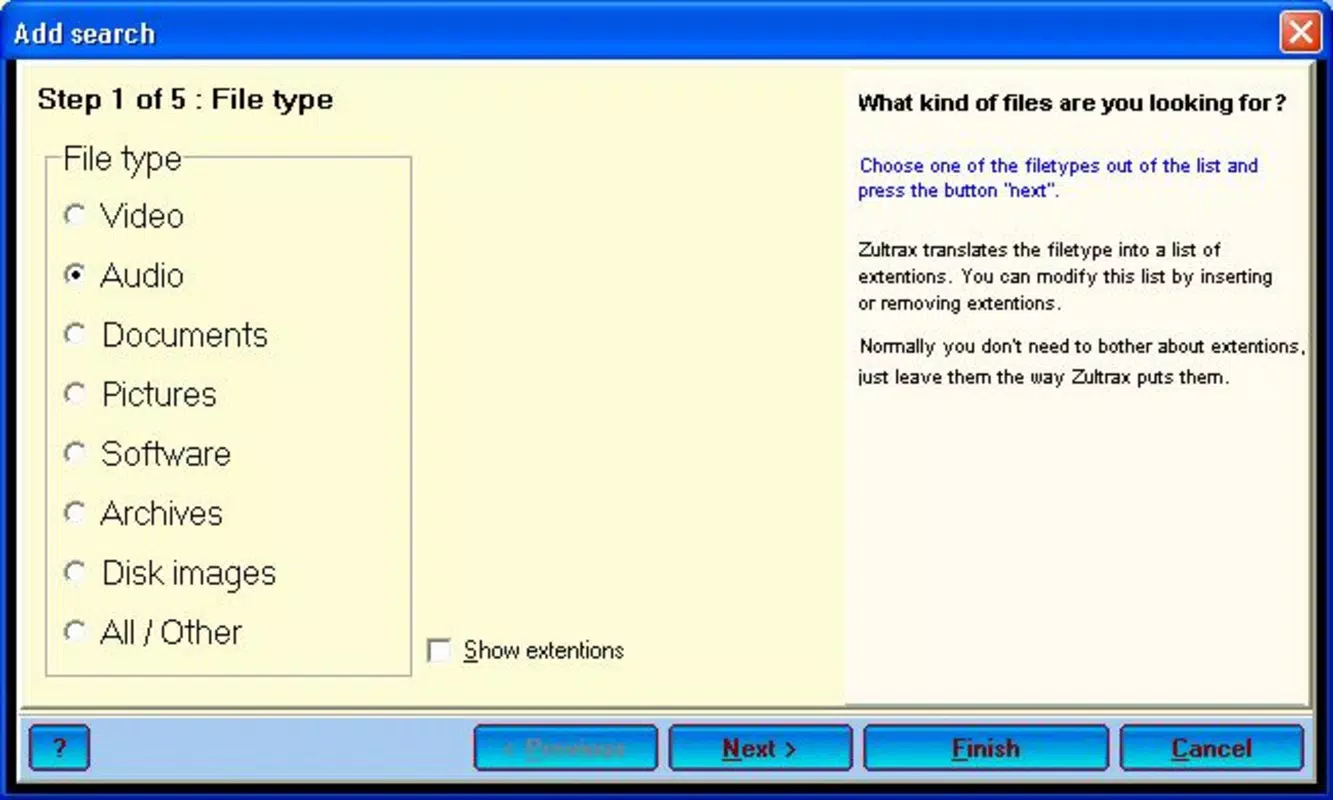
- Advanced Search Options: Zultrax enables targeted searches across multiple file types, including videos, music, images, and documents. Filters allow users to narrow results by size, format, or availability, reducing time spent sifting through irrelevant files.
- Performance Boost through Sharing: The app rewards users for contributing to the network by sharing files. The more content a user uploads, the higher their download priority and speed. This incentive-based model promotes a balanced, collaborative ecosystem where everyone benefits from mutual participation.
For example, a user downloading a large video file can see their speed increase as they begin sharing smaller files from their device. This dynamic interaction fosters a sense of community and ensures faster access to desired content over time.
Interface, UX & Performance
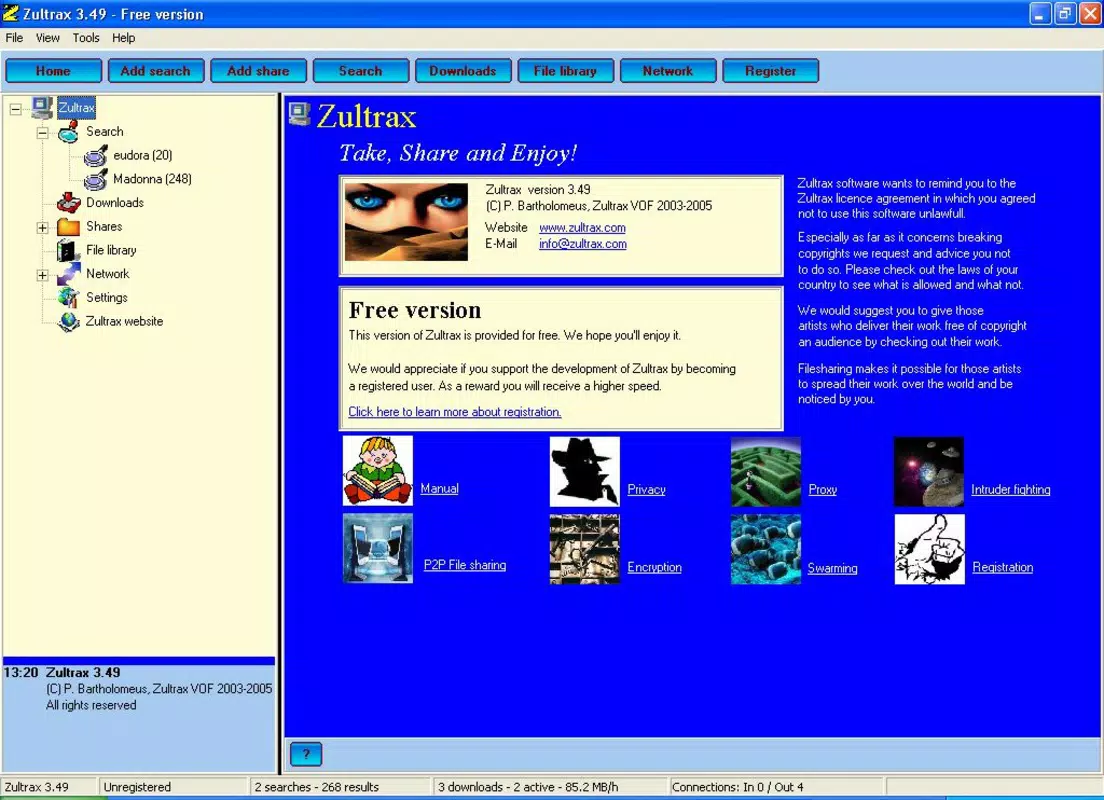
Zultrax presents a visually clean and functional interface, prioritizing clarity over visual flair. The layout organizes core functions—downloads, search, and settings—into easily accessible menus, reducing the number of taps needed to perform common tasks. Navigation is linear and predictable, with consistent iconography and label placement, which supports intuitive use across different user skill levels.
Although the developer did not list formal performance metrics, the app’s design suggests responsiveness on mid-range and higher-end devices. Users can expect smooth transitions between screens and minimal lag during active downloads. The interface adapts well to various screen sizes, maintaining readability and usability on both smartphones and tablets.
Stability appears to be a key focus, given the app’s longevity since 2007. While no official reports on crash frequency were provided, the consistent user experience across versions implies reliable operation. The app maintains background activity during downloads, ensuring transfers continue even when the screen is off or the app is minimized.
Performance may vary depending on network conditions and the number of active peers, as is typical for P2P applications. However, the inclusion of download rate monitoring and resume capabilities helps users manage expectations and maintain control over their transfers.
Platform Compatibility & Technical Requirements
Zultrax is available on Android, with support for devices running the specified operating system version. The app’s file size is approximately 12.5 MB, making it lightweight and suitable for installation on devices with limited storage. The developer did not specify minimum OS requirements or exact hardware specifications.
Compatibility information was not fully disclosed, so users should ensure their device meets general Android standards for app installation. The app is designed for mobile environments, emphasizing portability and on-the-go file access. No information was provided about iOS availability or other platform support.
Given the app’s age and continued availability, it likely supports a broad range of Android versions, though users are advised to check compatibility through official channels.
Pros and Cons
Pros
- Intuitive, beginner-friendly interface with clear navigation
- Robust download management with pause, resume, and progress tracking
- Advanced search filters for faster file discovery across multiple types
- Incentive-based sharing system that improves download speeds over time
- Lightweight file size suitable for devices with limited storage
Cons
- Developer did not provide detailed technical specifications or OS requirements
- Compatibility with newer Android versions not explicitly confirmed
- No official information on security protocols or encryption methods
- Performance may vary based on network and peer availability
- Limited public feedback or user statistics available
FAQ
Is Zultrax safe to use on Android?
The app’s safety depends on the files users choose to download. As with any P2P application, users should exercise caution and avoid unknown or unverified content. The developer did not provide details on built-in security features.
Can I use Zultrax on iOS devices?
There is no confirmed iOS version of Zultrax. The app is currently available only on Android platforms.
How does sharing files improve download speed?
Zultrax uses a peer-to-peer model where users who share files are prioritized in the network. The more content you upload, the faster your downloads become, creating a mutually beneficial system.
Does Zultrax require internet access to function?
Yes, Zultrax requires a stable internet connection to connect to the P2P network, search for files, and initiate or continue downloads.
How often is Zultrax updated?
The developer has not disclosed update frequency. Users are advised to check official sources for the latest version and security patches.
Final Thoughts
Zultrax stands out as a dedicated P2P file-sharing tool that balances simplicity with powerful functionality. Its intuitive design, efficient download controls, and incentive-driven sharing model make it a compelling choice for users who value speed, autonomy, and community participation. While technical details remain limited, the app’s enduring presence since 2007 speaks to its reliability and user appeal.
It is especially beneficial for individuals who frequently transfer large files, work in collaborative environments, or prefer decentralized alternatives to cloud storage. For those seeking a secure, lightweight, and efficient way to share and download content on Android, Zultrax offers a practical solution.
Download Zultrax now


